Guide · AI in pet care

AI in dog care: what it should do, what it could do, and what it should never touch.

Every software vendor in pet care is bolting "AI" onto something this year, and the pitch is usually the same: let the robot handle it. But you're running a business where a wrong call can hurt a dog or lose a family's trust — so "let the robot handle it" is exactly the wrong question. The right one is which parts. Here's an operator's honest map: the real pros, the real risks, and a clear line between the three.

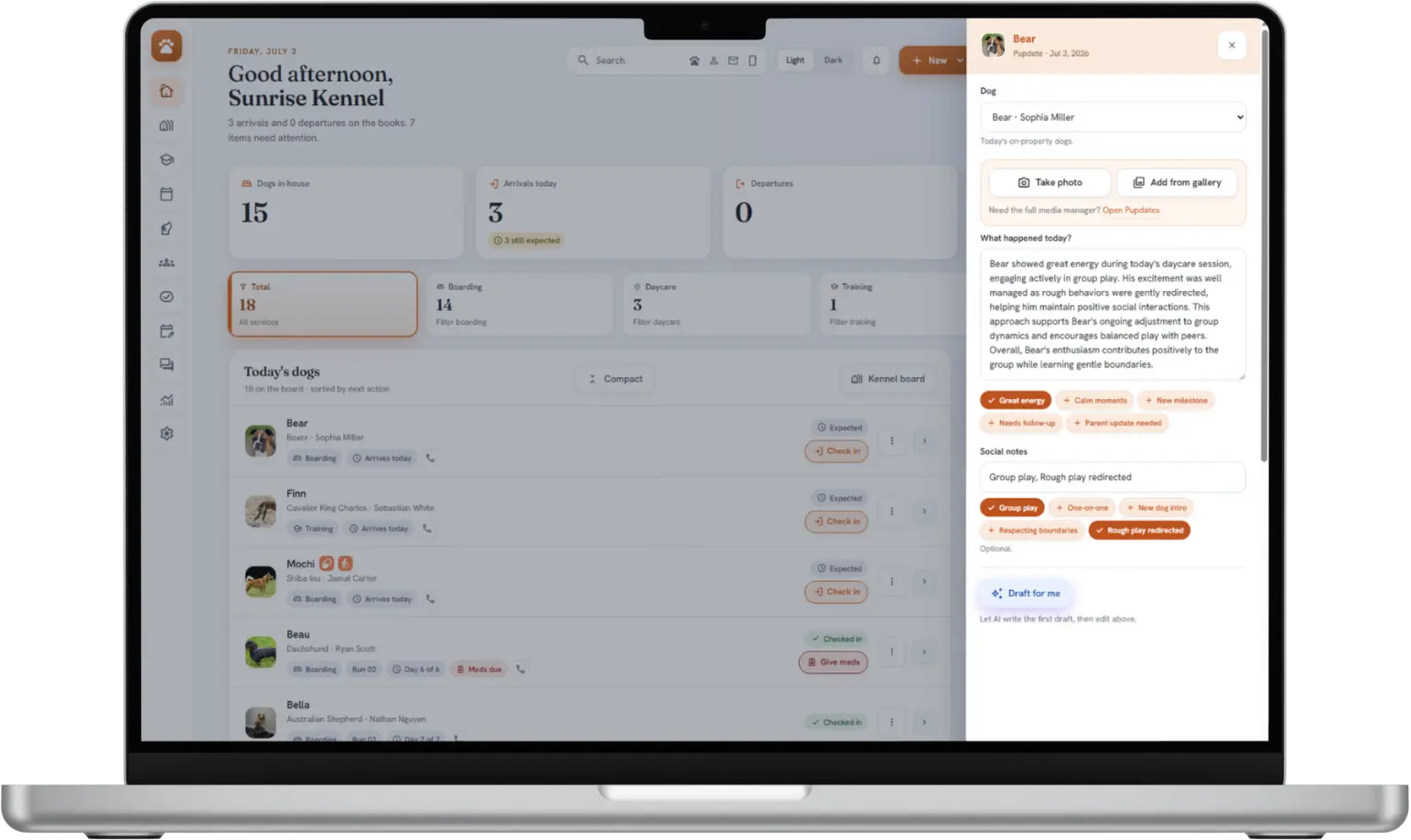
A pet-care software dashboard: the day's dogs and the next action for each

The useful frame isn't "AI or no AI." It's "typing or judgment."

AI is genuinely good at turning things you already know into words, and genuinely bad at deciding things that need a person who knows the dogs. Almost every good and bad use of AI in a kennel falls on one side of that line. Keep it in mind as you read — it does most of the work.

The pros

What AI is genuinely good at in a pet-care business

Used narrowly, AI gives your team back the one thing a busy kennel never has enough of: time on the tasks that don't need a human, so there's more of it for the ones that do. The honest wins:

  • Drafting the messages you already owe. The daily update, the "we miss Bella" follow-up, the thank-you after a first stay. AI writes a first draft from notes your team already took, so the message is minutes of work instead of a blank box — and it actually gets sent.
  • Turning logged care into readable words. Your staff records what happened; AI reshapes it into something a pet parent wants to read. It's translation, not invention — the raw material is the real day.
  • Summarizing long histories fast. A dog's file, a thread of messages, a season of visits — AI can give a staff member the gist in seconds so they walk into a hard conversation informed.
  • First-pass triage of the inbox. Sorting "this is a booking question" from "this is urgent" so nothing important sits unread — with a person still making the actual reply.
  • Consistency on a slammed day. When a task takes two minutes instead of ten, the quiet dogs and the covering front-desk shift get the same quality as your best Tuesday. AI's steadiness is its real gift.
The cons

Where AI hurts — the risks worth taking seriously

The same tool that saves your team time can quietly cost you a client, or worse, if you point it at the wrong job. These aren't reasons to avoid AI; they're the reasons to fence it in.

It makes things up, confidently

AI will fill a gap with a plausible-sounding invention — a walk that didn't happen, a detail that's wrong — and say it with total confidence. In a pet-parent update that's a broken trust; in a medical note it's dangerous. Anything unreviewed is a liability.

Auto-send erodes the relationship

The moment families sense the "personal" note about their dog was blasted out by a bot, the warmth is gone — and the one day the bot gets it wrong, it goes out to everyone at once. Automation without a human in the loop trades your reputation for a few saved minutes.

It can't read a dog

Temperament, stress signals, which two dogs will scrap, who needs the quiet run — this is the core safety judgment of your business, and it lives in a person watching body language, not in a model reading a database.

Your data can wander

Feeding client and pet information into AI tools raises real questions: where does it go, is it used to train someone's model, who can see it? A careless integration can leak the trust your clients placed in you. Know the answers before you turn it on.

It dulls the skill it replaces

Lean on AI for every judgment and your team slowly stops building the instinct that made them good. Use it for the typing, not the thinking, or you hollow out the very expertise clients pay for.

"AI-powered" is often just marketing

Plenty of features labeled “AI” are trivial automations dressed up to sound futuristic — and plenty of genuine AI is pointed at jobs it shouldn't do. The label alone tells you nothing. Ask whether it's generative or rule-based, what it actually does, and who checks it.
The dividing line: should, could, never

Sort any proposed AI feature into one of these three buckets before you switch it on. The test is simple: how bad is it if the AI is wrong, and does a person catch it before it matters?

Green light

What AI should do

Low stakes if wrong, a human sees it before it counts, and it's pure drudgery. Let it.

  • Draft pet-parent updates from logged care
  • Draft follow-ups and relationship messages
  • Summarize a dog's file or a message thread
  • Clean up and reword staff notes
  • Sort the inbox so nothing urgent is missed
  • Take the first pass at repetitive typing
Proceed with care

What AI could do

Useful, but only as a suggestion a person signs off on — never on autopilot.

  • Suggest pricing or peak-rate changes for you to approve
  • Flag likely no-shows or lapsing regulars to review
  • Propose a schedule or run layout you confirm
  • Draft a reply to a review before you post it
  • Surface patterns in your numbers to investigate
  • Recommend — the human still decides
Red line

What AI should never do

High stakes, needs real judgment, or touches safety and money. These stay human.

  • Auto-send a bespoke, relationship message with no review
  • Judge temperament or which dogs group safely
  • Make medical or health decisions
  • Decide who to turn away or accept
  • Move money, charge, or refund on its own
  • Train on your clients' data without consent
How to adopt it

Five rules for using AI without losing the trust you've built

If you take one thing from this page, take these. They're the difference between AI that quietly helps and AI that quietly costs you.

  • Keep a human on the bespoke messages. Treat AI-written, individual content as a draft — a note about a specific dog's day or a tailored follow-up shouldn't reach a client without a person reading it and choosing to send. (Routine, transactional messages on rules you set are the exception — those can run on their own.)
  • Separate routine from relationship. Transactional messages — reminders, confirmations, and the like — can auto-send on rules you set up and approve. Warm, bespoke notes about a specific pet are the ones to keep a human on. Know which is which in any tool you buy.
  • Ask where your data goes. Before you enable an AI feature, get a straight answer: is my data used to train models, is it sold, who can see it? "We're not sure" is an answer — a bad one.
  • Keep the safety calls with people. Grouping, temperament, medical, and who-goes-where are your team's job forever. If a vendor's AI claims to do these, that's a red flag, not a feature.
  • Make vendors tell you which is which. Ask what's genuine AI, what's ordinary rules, and who reviews the output. A confident vendor answers plainly — the same test you'd apply to any software you're buying.
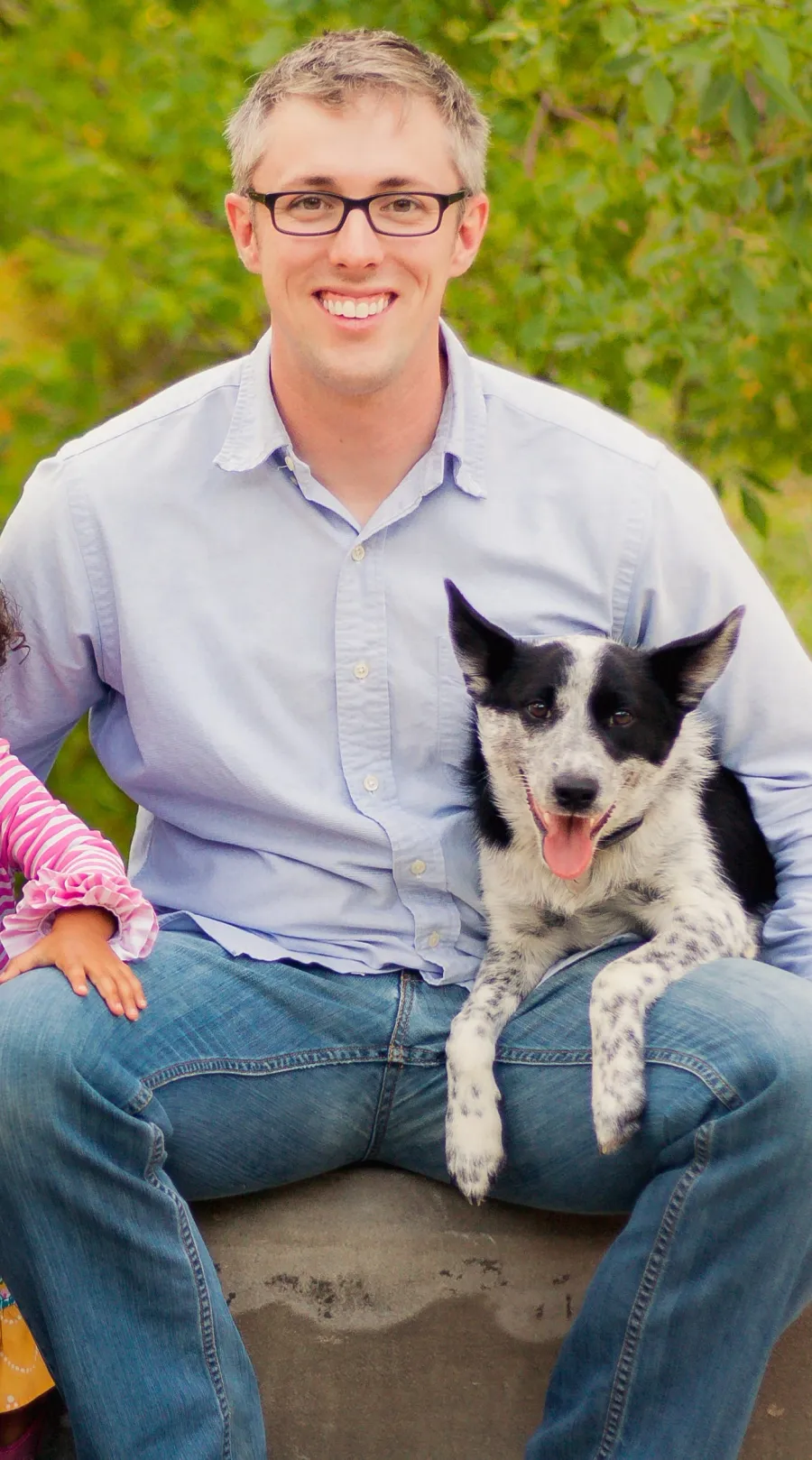
Ryan Leach, founder of BarkWhiz, with his dog
Built by an operator

I built software with AI in it — and drew this exact line

"I run pet care and I build the software for it, so I've had to answer this question with my own clients' trust on the table. My rule ended up simple: AI drafts, a person decides. It writes the update from the day we logged; my team reads it and hits send.

What it never does is judge a dog, or send a bespoke note about one without my team's eyes on it first. Routine reminders can run on their own — that's just plumbing — but the personal stuff is where the actual value of a kennel lives. Automate the typing. Never automate the trust."

Ryan Leach, MBA Founder & Operator, BarkWhiz

How we put this into practice

This guide is the thinking behind how BarkWhiz uses AI: it drafts pet-parent updates and client follow-ups from your logged care, and a human reviews and sends the bespoke, individual messages while routine, transactional ones run on rules you set up. It never auto-sends a bespoke note about a specific dog without review, never judges temperament, and never trains on your data. Even the run-assignment helper is a deterministic, rule-based system — the kind of AI that can't hallucinate — rather than a language model making a guess. See exactly where the line falls on our how BarkWhiz uses AI page.

Software that uses AI the way this guide describes

BarkWhiz drafts the busywork and leaves the judgment to your team — built by an operator who had to draw this line for real. Ask us the hard questions on a call with the founder.

Not ready for a founding spot? Just keep me posted